AI in Xenify
AI on a graphics card you own.
Check a whole document, ask about it, and make pictures and short clips. Run the models on your own graphics card through Xenify Server, or use a provider you trust. Nothing is sent anywhere until you choose where.
Nothing is sent anywhere for AI unless you set it up. There are two ways to have it: pay a provider such as OpenRouter with your own key, or run the models yourself on hardware you own. This page is about running them yourself. How to set up either
Hardware
What hardware you need to run AI locally.
We ran the same tests on three graphics cards. Times are once the model is loaded, made the same way on every card. More graphics memory lets you run bigger models; a faster card makes the same thing sooner.
- Write's AI check with Gemma 4 12B
- Pictures in 4 to 16 seconds
- Clips, slowly: about half an hour each
- Gemma 4 26B, the best checker we tested
- Pictures in 4 to 13 seconds
- Clips in about 20 minutes
- Every model here, with room to spare
- Pictures in 3 to 9 seconds
- Clips in about 12 minutes
Checking a document
| Model | 16 GB | 24 GB | 48 GB | Mistakes found | Right fixes | False alarms |
|---|---|---|---|---|---|---|
| Gemma 4 26B | doesn’t fit | 11 s | 13 s | 95% | 98% | 0% |
| Gemma 4 12B | 30 s | 21 s | 24 s | 88% | 94% | 1% |
| Qwen3.8 27B | doesn’t fit | 21 s | 25 s | 86% | 97% | 5% |
| Qwen3.5 9B | 30 s | 19 s | 24 s | 70% | 95% | 4% |
Seconds to check 1,000 words. Each model was set to answer straight away instead of reasoning step by step first, which is much faster. Mistakes found and right fixes were judged by two other AI models; a false alarm is a correct sentence marked as wrong. A model too big for the card can still run with part of it in the computer's memory, much more slowly: Gemma 4 26B took 89 s per 1,000 words on the 16 GB card. We haven't timed a 12 GB card yet.
Pictures
| Model | Size | 16 GB | 24 GB | 48 GB |
|---|---|---|---|---|
| FLUX.2 klein 4B | 1024 × 1024 | 4.0 s | 4.0 s | 3.1 s |
| 1536 × 1024 | 6.5 s | 6.0 s | 5.1 s | |
| Z-Image Turbo | 1024 × 1024 | 9.0 s | 9.0 s | 6.1 s |
| 1536 × 1024 | 16.0 s | 13.0 s | 9.0 s |
Five-second clips
| Model | Clip | 16 GB | 24 GB | 48 GB |
|---|---|---|---|---|
| MiniMax H3 | 864 × 480, 124 frames, with sound | 17.5 min | 7.7 min | 6.5 min |
| Wan 2.2 14B | 640 × 640, 81 frames | 29 min | 20 min | 12 min |
The test computers had at least 94 GB of memory besides the graphics card; clips need a lot of it. MiniMax H3 is faster and adds sound; read its licence before using it. How to set them up.
Examples
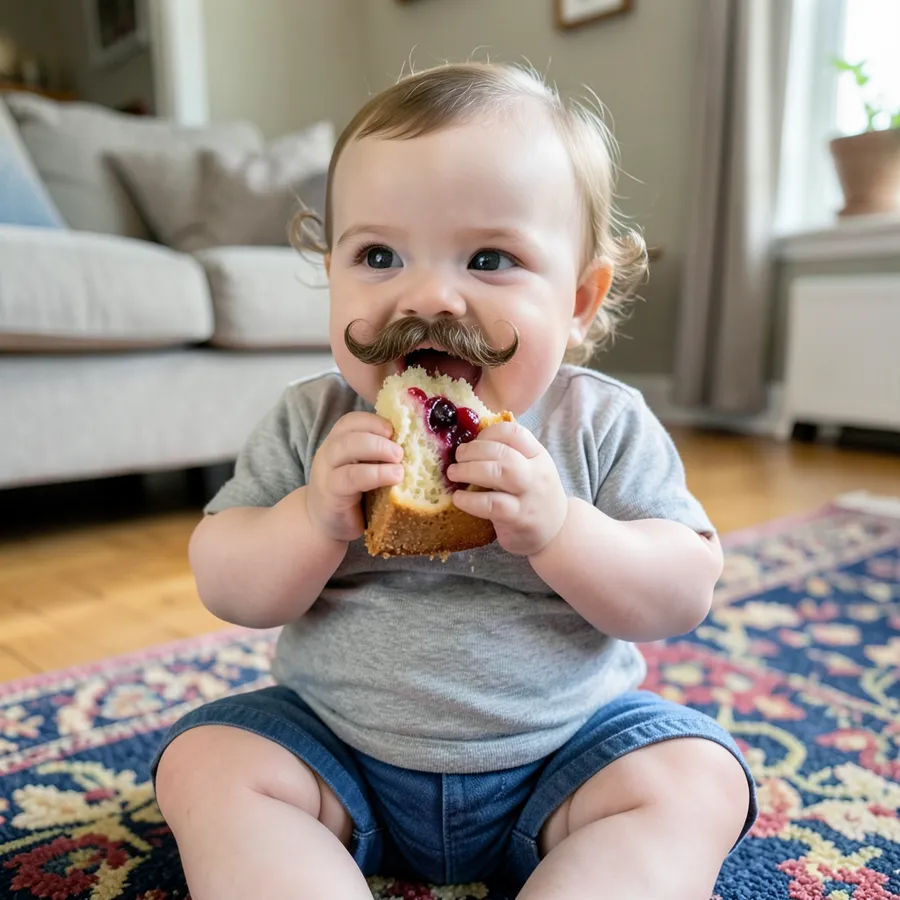
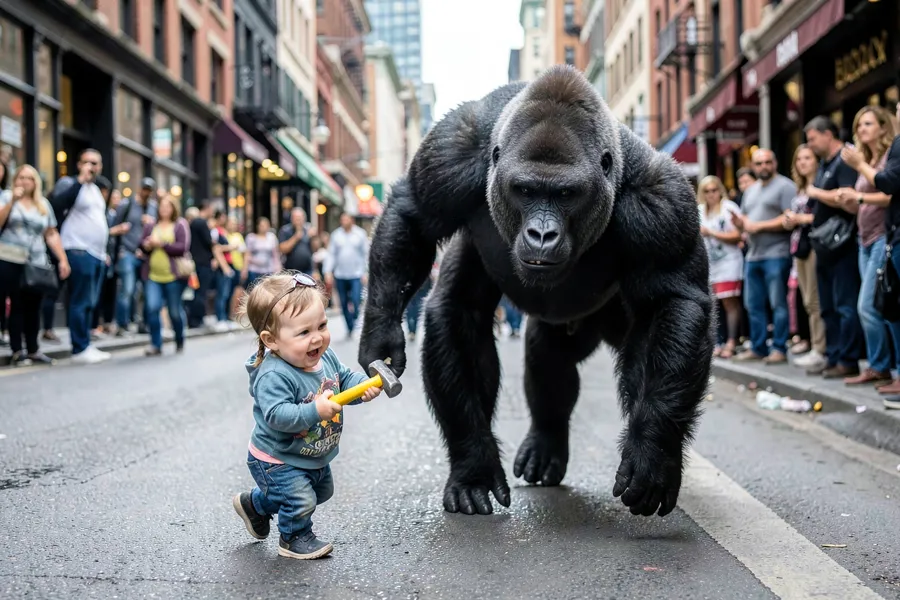
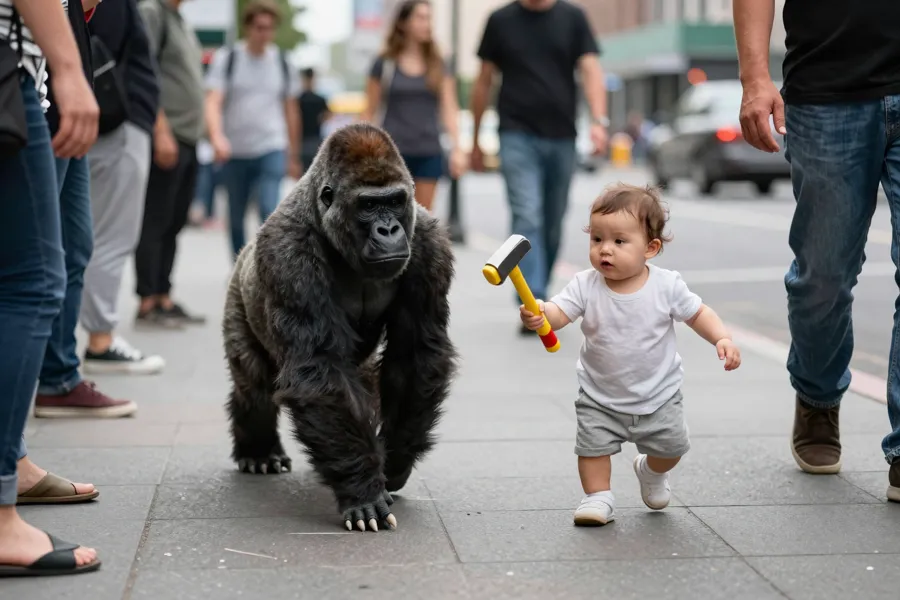
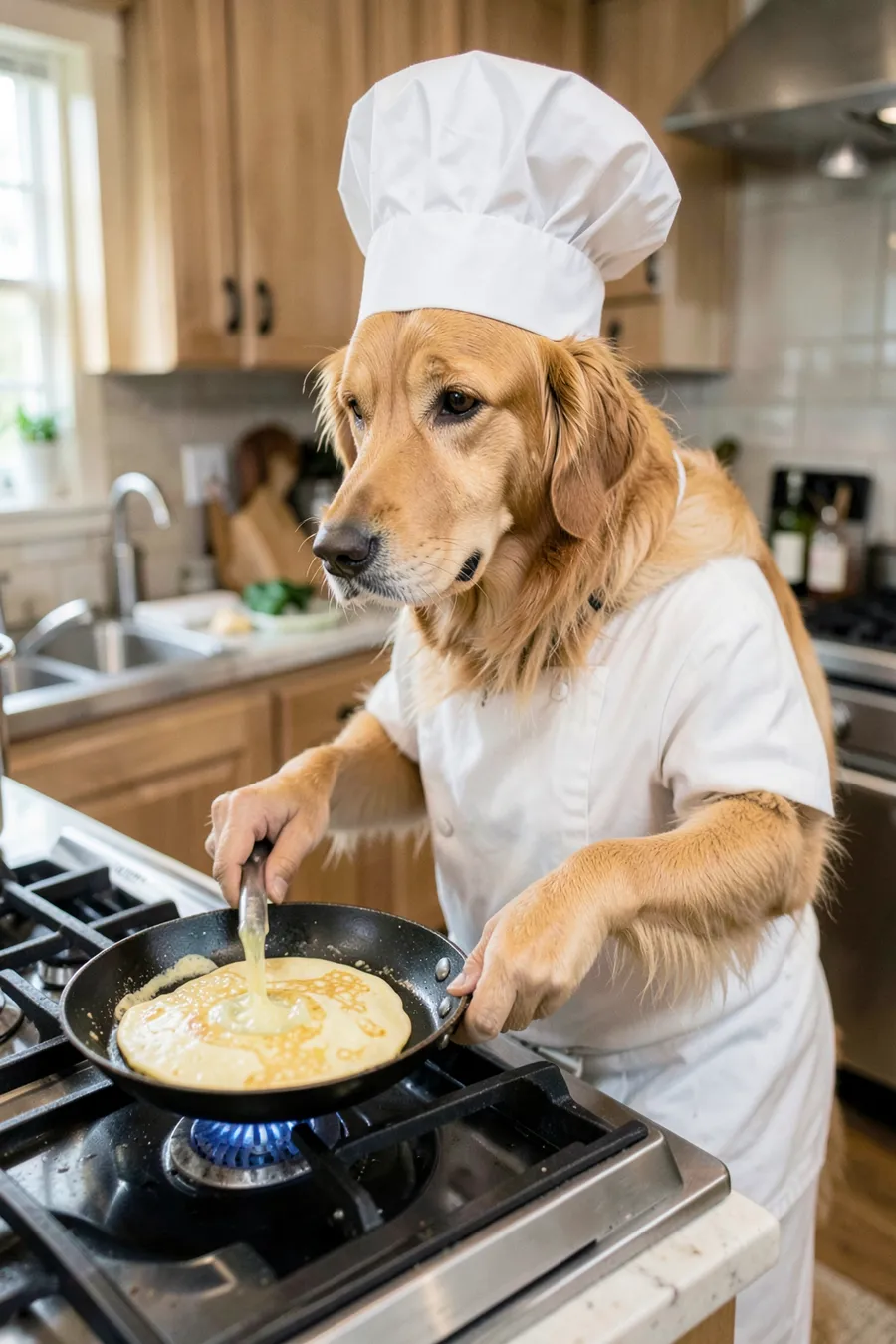
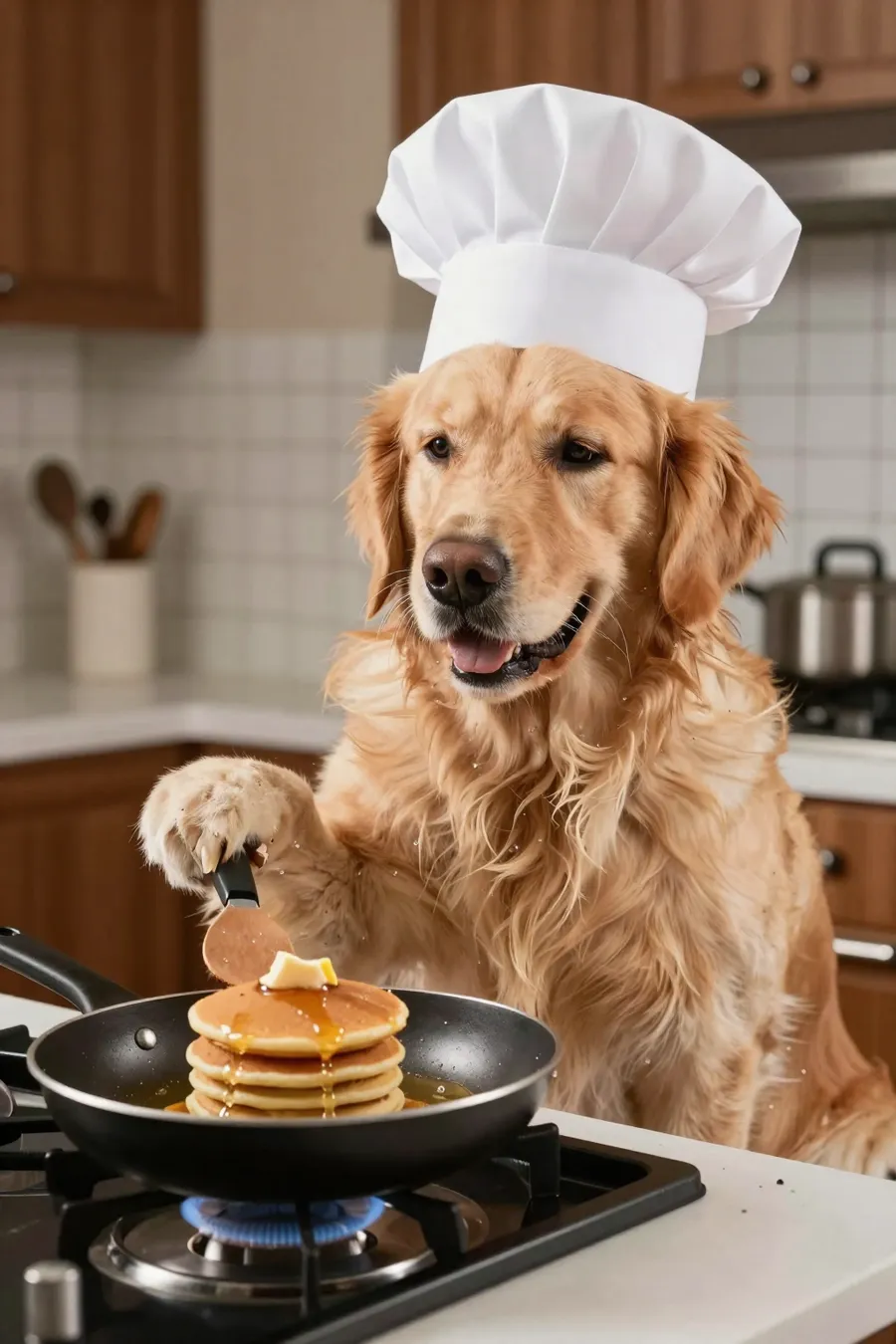
Same words, two models.
Made on the 16 GB card. A bigger card changes the time, not the picture.
“A realistic photo of a chubby baby with a big curly moustache eating a slice of cherry pie with both hands, sitting on a patterned rug in a living room”

“A realistic photo of a baby holding a toy hammer chasing a gorilla down a busy city street, people watching from the pavement”
“A realistic photo of a golden retriever wearing a chef's hat, standing at a kitchen stove flipping pancakes in a pan”
“Realistic video of a chubby baby with a big curly moustache sitting on a patterned rug eating cherry pie with both hands, smiling, crumbs falling”
“Realistic video of a baby holding a toy hammer chasing a gorilla down a busy city street, the gorilla running away, people watching from the pavement”
MiniMax H3’s clips aren’t shown in the US, the EU, the UK or South Korea, because of its licence (or when a privacy blocker stops this page telling where you are).
Ready to set it up?
The guide covers the apps, the server and the AI, step by step, including the programs that run the models.