Xenify

Xenify Wiki

Your team's work, all in one place, and easy to find.

Documents, spreadsheets, plans and drawings live side by side in shared spaces: a handbook, a project, a department. Everyone sees the latest version, edits together, and finds anything by typing a word that's in it.

The wiki is part of Xenify Server, which is free. It runs on your own computer or server.
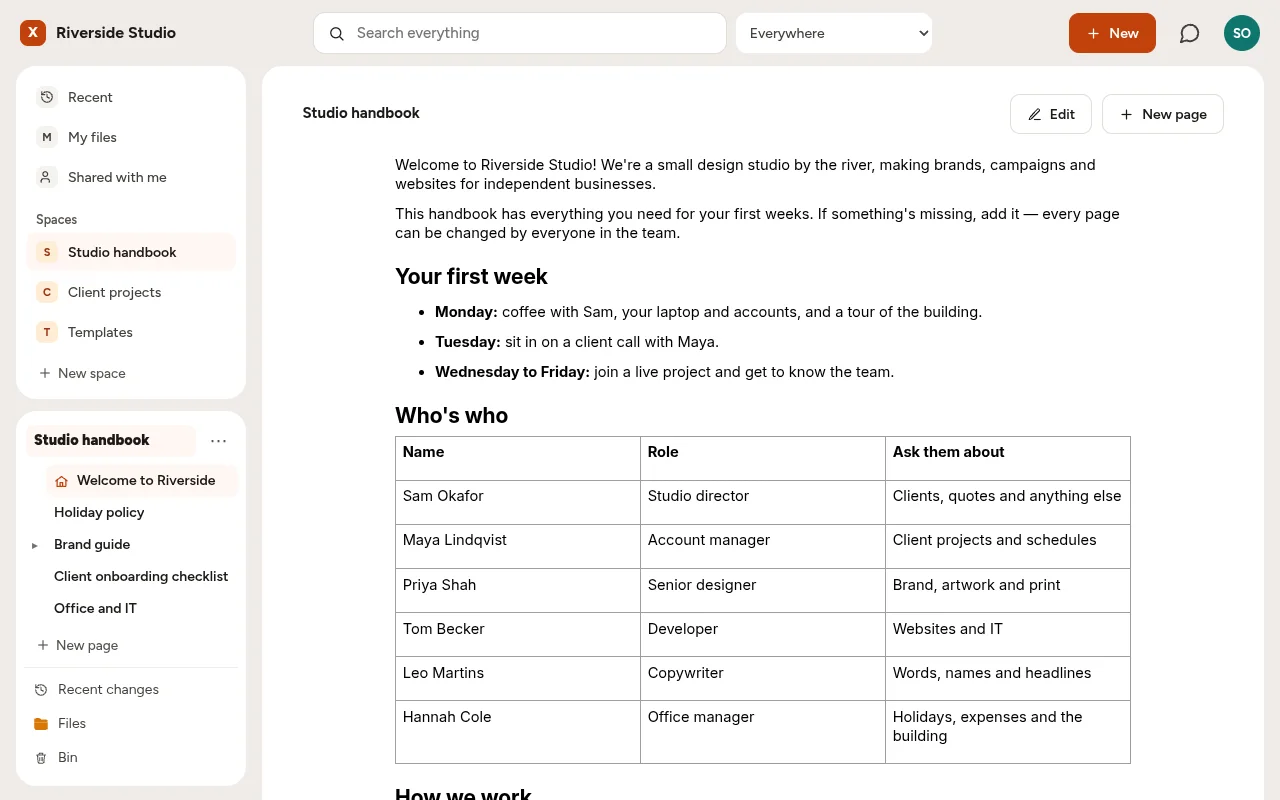
A team handbook in the wiki: its pages in a tree on the left, and the welcome page with a who's who table

Spaces

A space for each team or project.

Put everything about a project in one space: the brief, the budget spreadsheet, the plan and the designs. Choose who can see it, who can comment and who can change it. Open anything in your browser without installing a thing, laid out just as it would print.
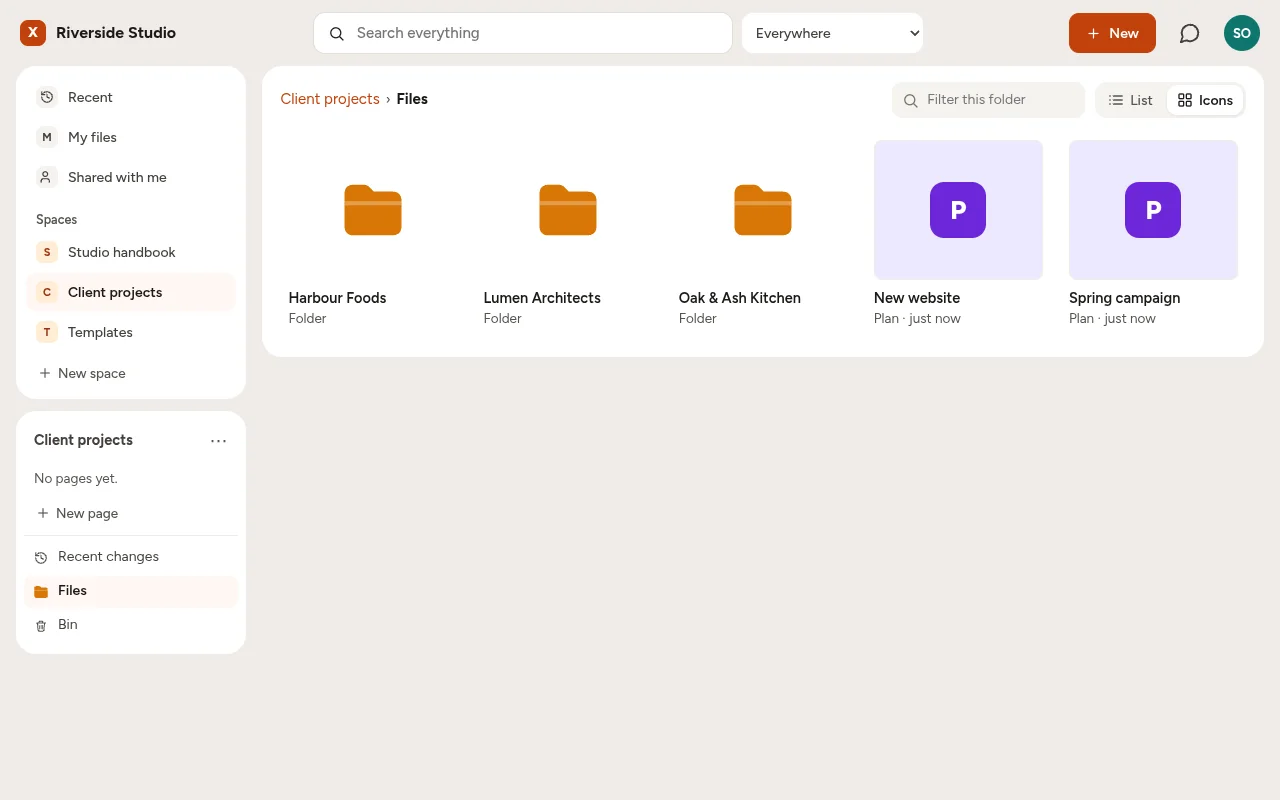
A Client projects space with a folder for each client and two plans

Search

Type a word, find the page.

Search looks inside every document, spreadsheet and plan you're allowed to see, not just at file names, and even finds words someone is typing right now.
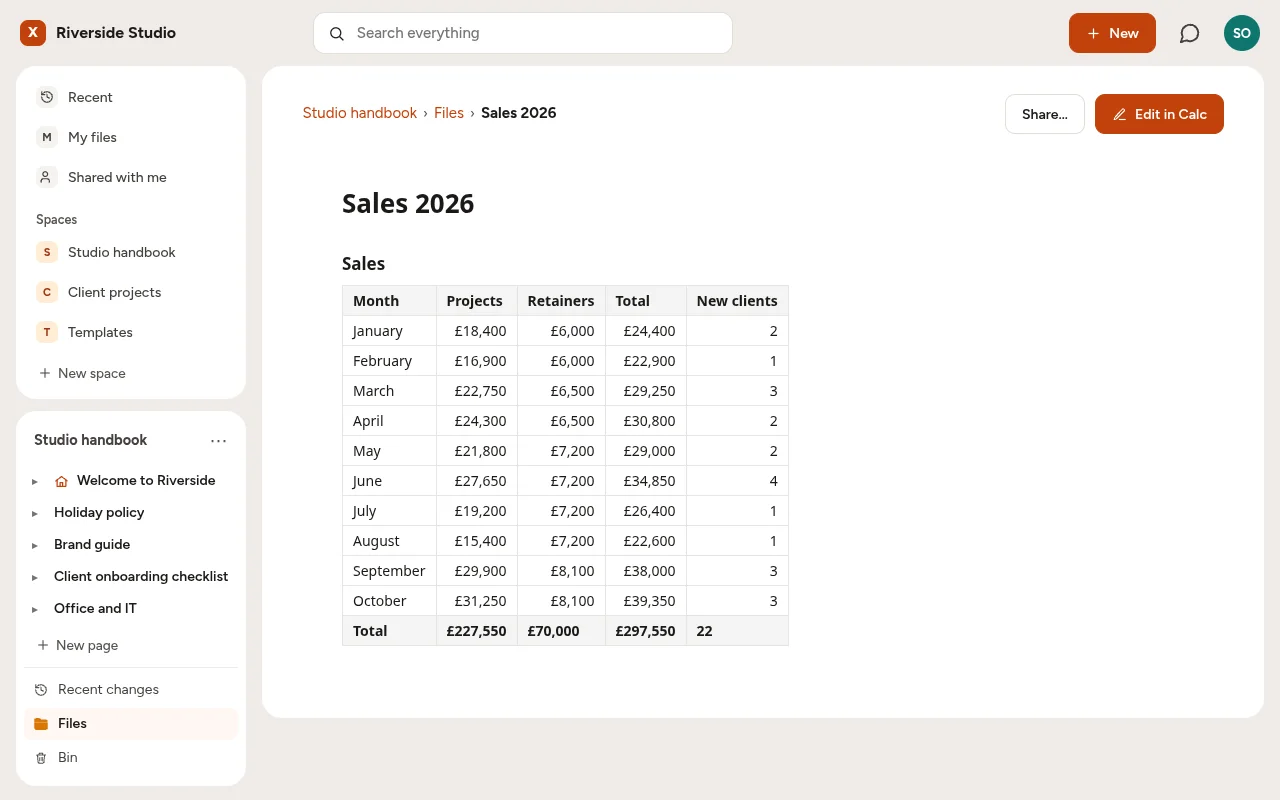
A sales spreadsheet opened in the browser as a page, with its totals row

Built for working together.

Edit at the same timeSeveral people can work in the same document, spreadsheet, plan or drawing at once, each seeing where the others are.
Every version keptGo back to any earlier version, compare two side by side, and see who wrote which paragraph.
Pages that stay currentA page can show a live table from a spreadsheet, a plan's progress or a drawing, and they update on their own.
Templates for the teamEach space can keep its own templates. Change a template, like a new logo, and every page made from it follows.
CommentsAsk a question right next to the sentence it's about, and get the answer there.
Share a read-only linkShow a page to someone outside the team with a link, and stop it whenever you like.

Free, on your own server.

Install Xenify Server with Xenify Hub, add your team, and start a space.

About the server