Xenify Chat · Pre-release
Chat, email and calendars, in one window.
Message your team, read and answer your email, call, meet and book a room, all from the same place. Record a meeting and get a written transcript, made on your own computer. Everything is kept on your own Xenify server.
Use the desktop app, or open Chat in a browser at your own Xenify server's address.
Chat is a pre-release. It's still being tested, so some things may not work yet. Write, Draw, Calc and Plan are ready to use.
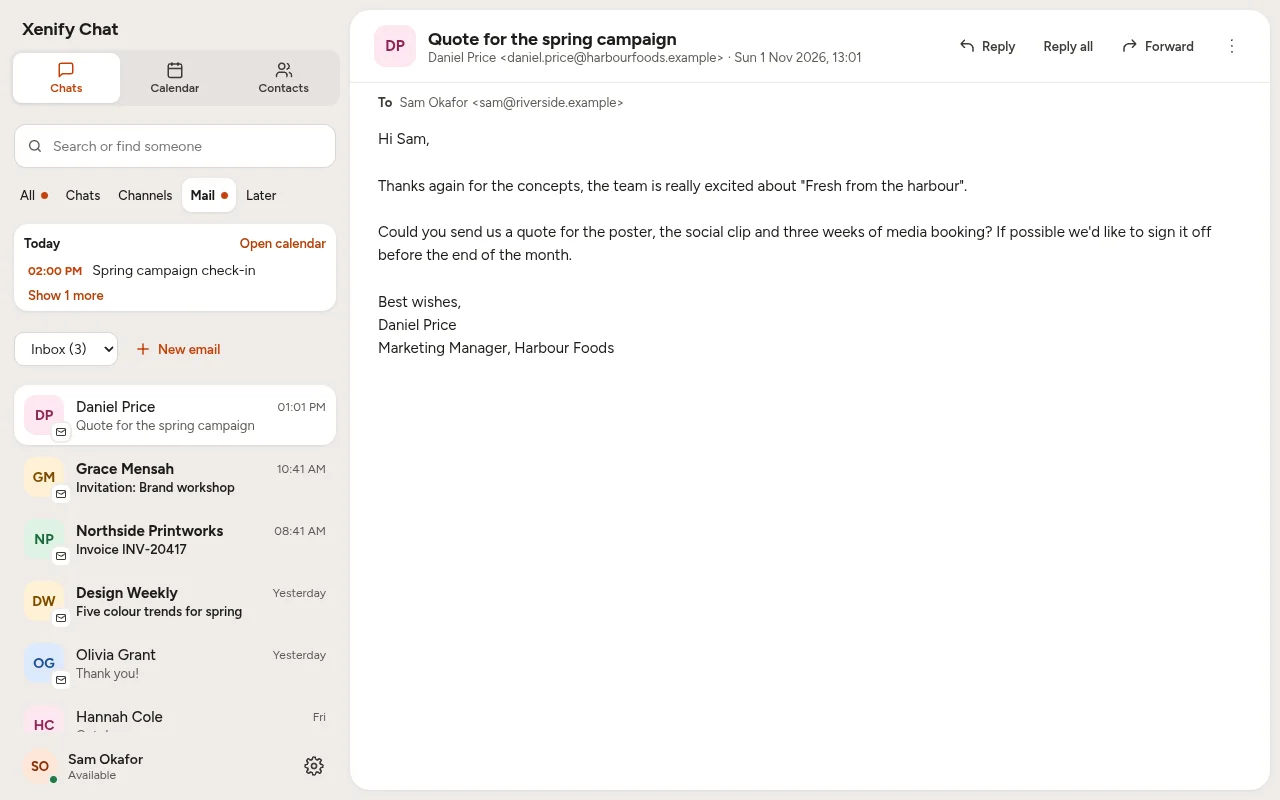
Email next to your chats, and today's meeting at the top.
1Email
Your email, right next to your chats.
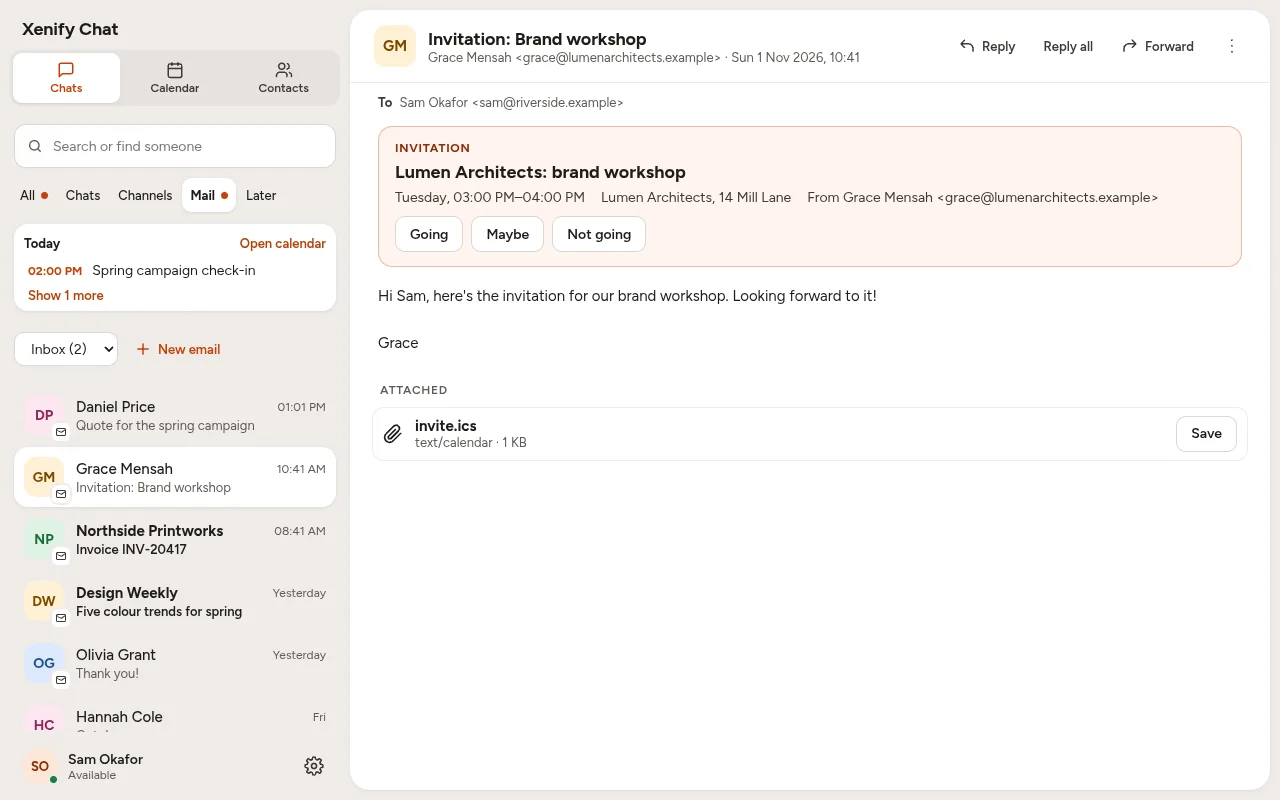
Read, answer and search your email in the same window as your messages, with spelling and grammar checked as you write. Meeting invitations go straight into your calendar with Going, Maybe or Not going.
Your admin connects the company's email to the server once, and everyone's mailbox is simply there, in the browser and the desktop app alike, without anyone typing their email password into Xenify. You can add your own accounts too.
2Chats
Everything your team says, in one place.
Direct chats, groups and channels, with pictures, clips and files. Messages and files stay on your own server, never ours. Spelling and grammar are checked as you type, privately.
3Calls
Voice, video and your screen.
Call anyone in a chat, share your screen, and go full screen. Calls pass through your own server rather than anyone else's. The browser and the desktop app call each other.
4Recordings and transcripts
Record the meeting. Get the transcript. Keep both.
Press Record in any call or meeting and Xenify makes the video and writes down who said what, right there on your computer. No meeting bot joins, and nothing is uploaded to someone else's cloud to be listened to.
The recording and its transcript go into the meeting's chat on your own server, for the people in it to watch, search and save. Voice messages are turned into text the same way.
- Everyone is asked first: microphones and cameras go off, and each person turns theirs back on to be in the recording.
- Speech is turned into text by a speech model that runs on your computer. It downloads once, then works with no internet.
- Choose quick, better or best, and the language, in Settings › Voice and transcripts.
- Transcripts are made in the desktop app. Recording works in the browser too.
5Whiteboards
Draw it out together.
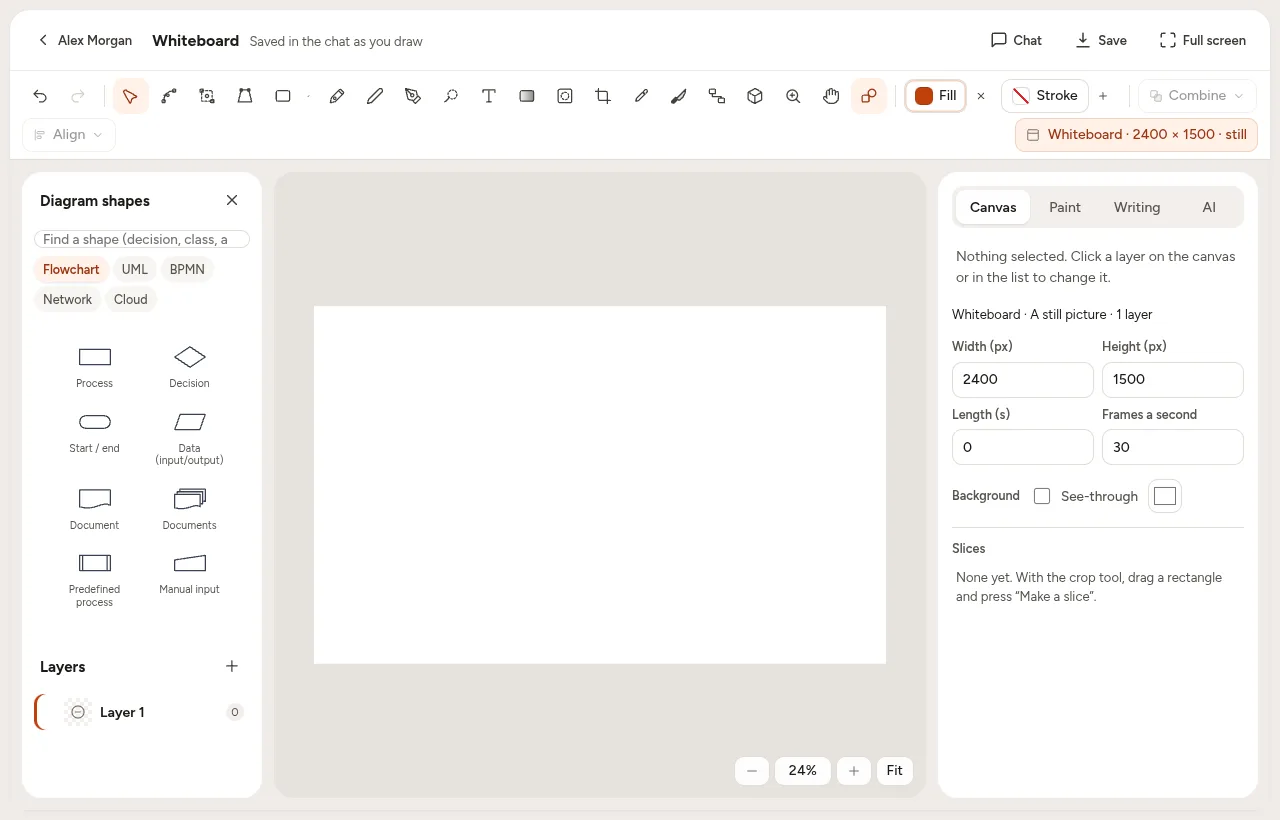
Start a whiteboard in any chat: Xenify Draw's pens, shapes and diagram library, live for everyone in it. Post a picture of the board to the chat when you're done, or download it as a picture, a PDF or a Draw file.
6Meetings
A time everyone can make, and a room.
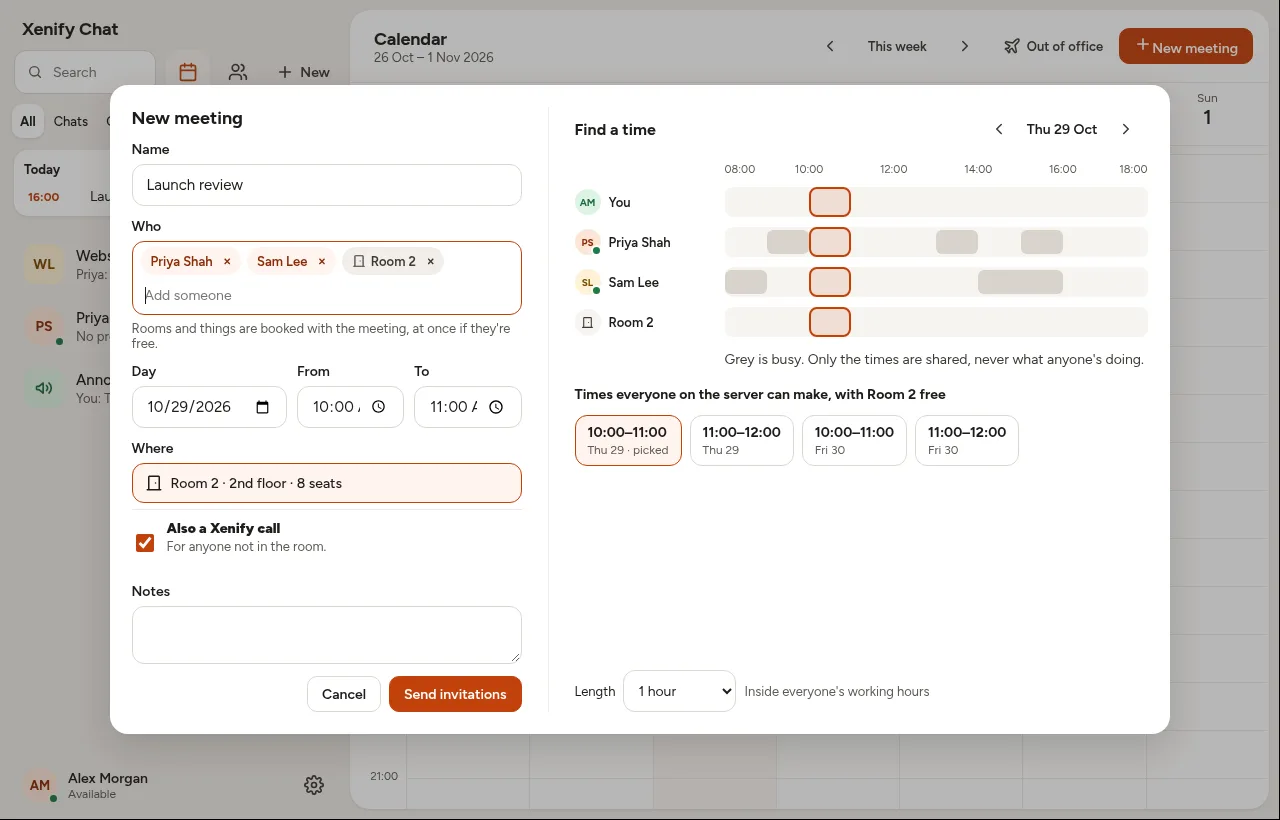
Invite people on your server, or anyone outside by email. Find a time shows when everyone's busy (never what they're doing) and suggests times inside everyone's working hours. Add a room and it's booked with the meeting. Answers come back as Yes, Maybe or No.
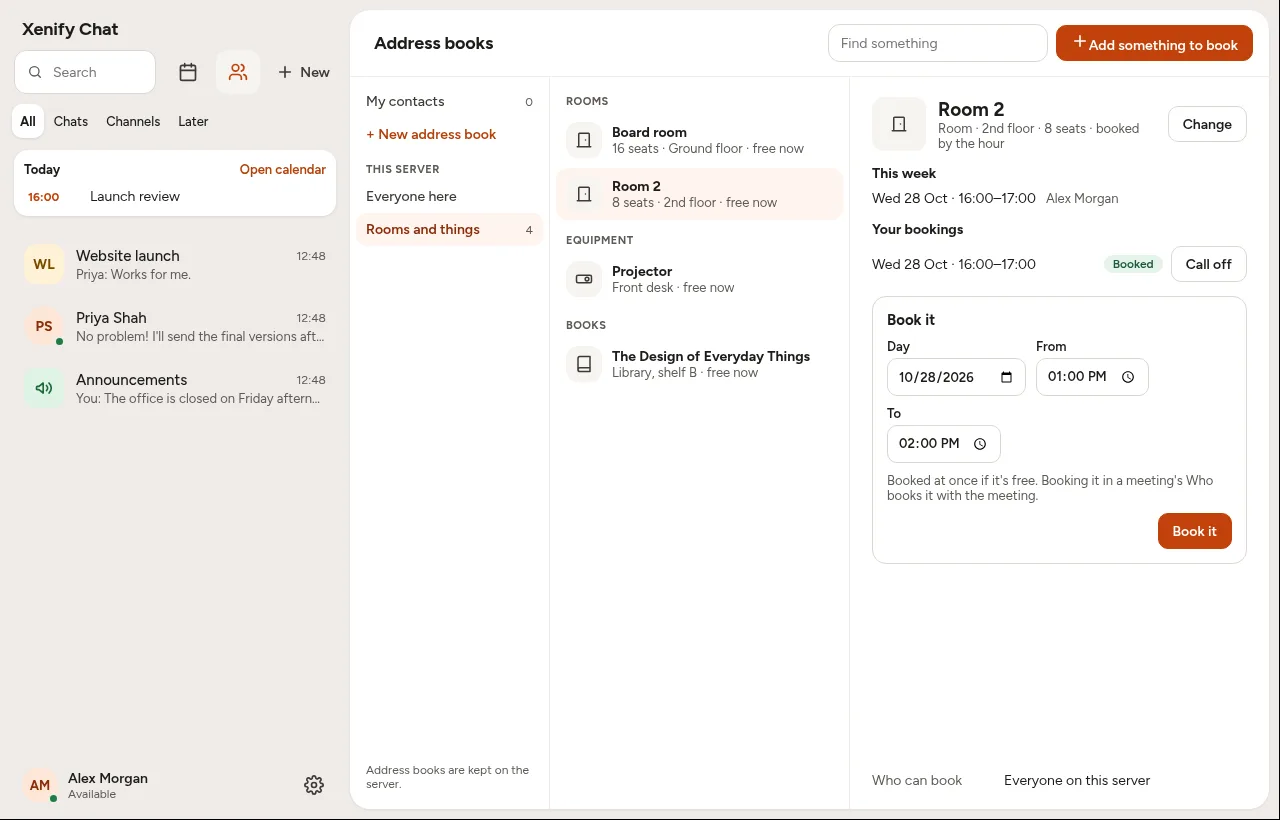
7Rooms and things
Book the room, the projector, the car.
Rooms, equipment, library books, the pool car: anything your team shares can be booked, by the hour or by the day, and never twice at once. Someone can look after each one and say yes or no. Your contacts sit beside them: your own, shared lists, and everyone on the server.
Everything a team needs to work together.
Free for Windows, Mac and Linux.
Xenify Hub installs Chat and keeps it up to date. Chat needs a Xenify server to talk through.